Inst.2022.5.2.30
 Updated
by Frank Pedersen Moe
Device
Added new field Unit ID on device.
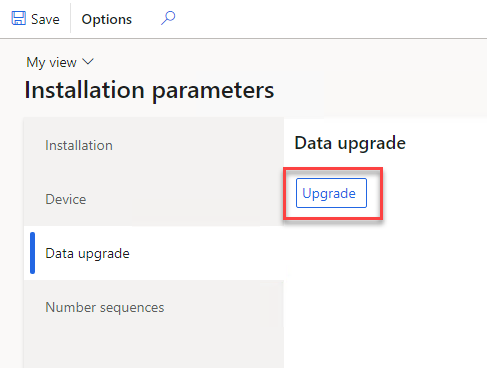
To fill values into this field on existing devices run Data upgrade:
- Go to Installation parameters
- Go to tap page Data upgrade
- Click on button Upgrade to run the data upgrade scripts
Device form
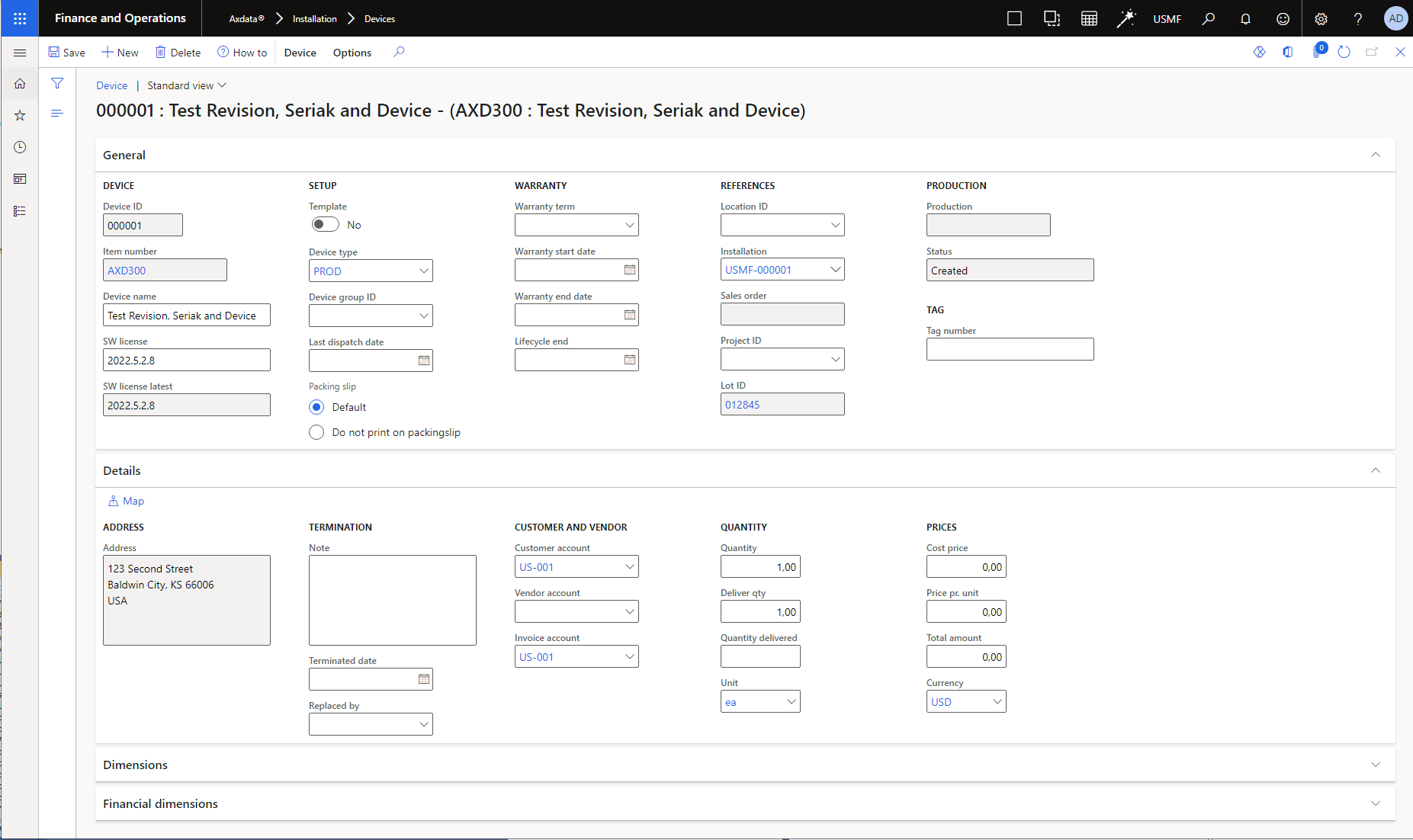
Added Production order ID and Sales order ID to grid on Device form and re-arranged details
Build definition / devops integration
Added new build definition table for integration with devops. This can be used to track version updates when using devops and build pipelines. Create an flow in Power Automate to update D365FO with release info like build name and version
Production journal lines
New parameter "Only add items with serial number" added to Device tab page on form Installation parameters.
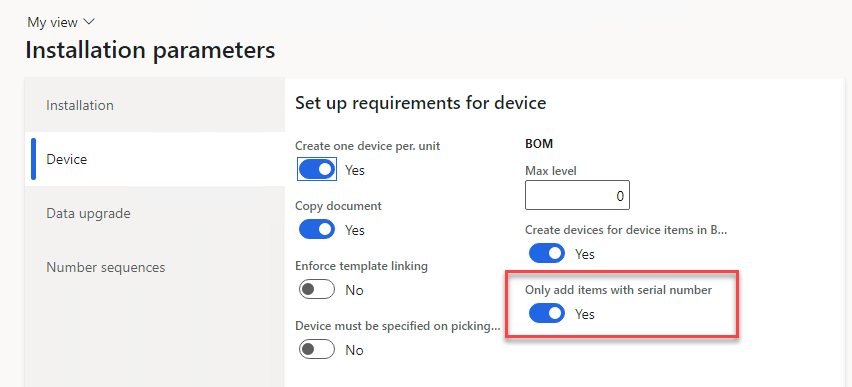
By enabling this parameter only items with serial numbers are added to the As built list.
When producing a device, a separate picking list is created for items without serial numbers.
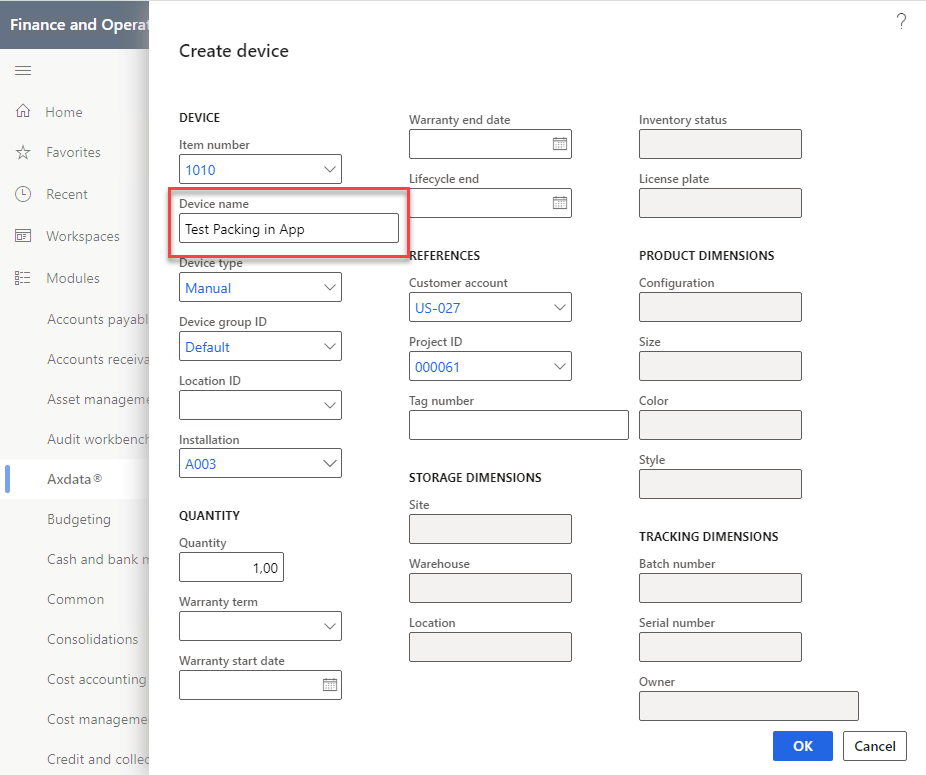
Create device
Device name is set after Item number is modified.