Item property setup
To setup up Item Property Group go to Cepheo> Engineering > Periodic > Product properties group
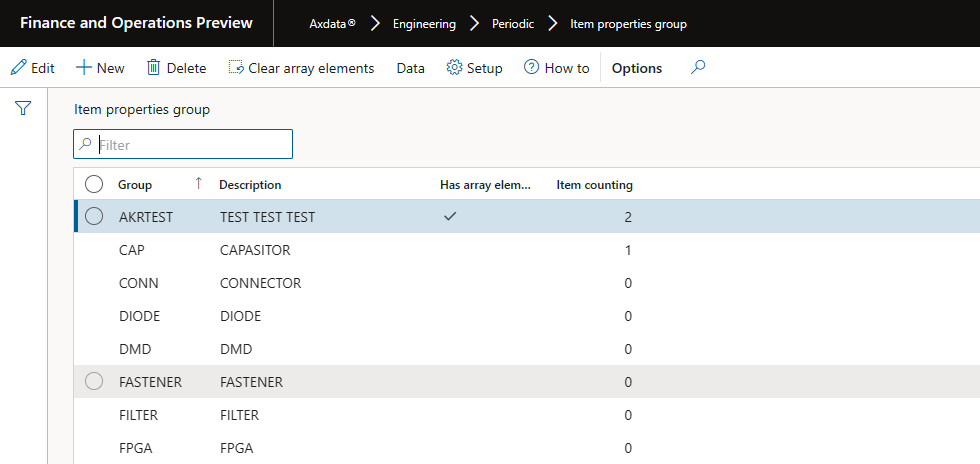
To create a new group of properties select "New". and enter "Group" and "Description". To add content, select group and then select "Setup" .
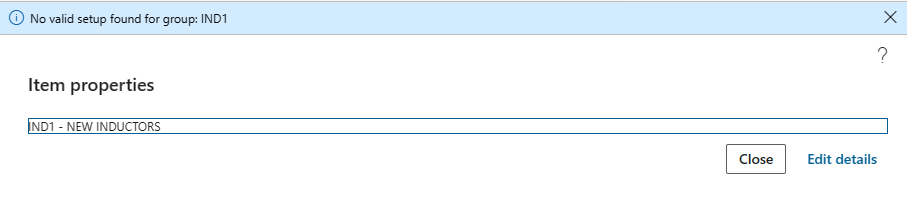
Select "Edit details"
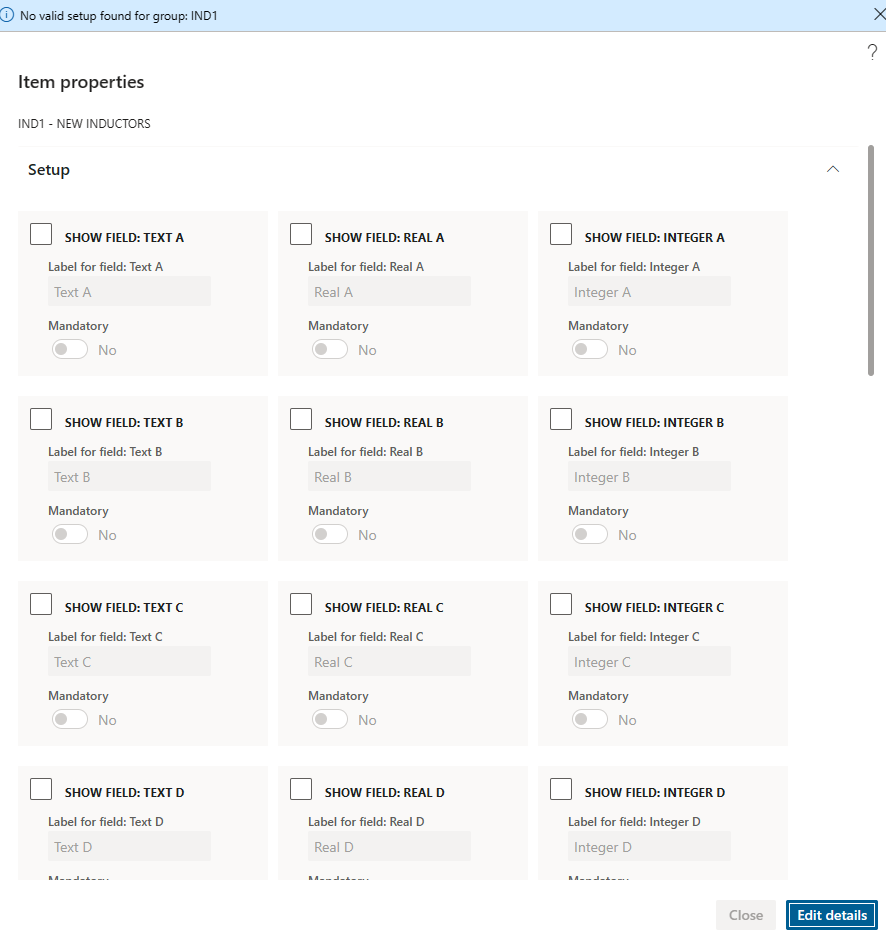
To create new properties to be added to the group, mark one of the available free fields and give a new name.
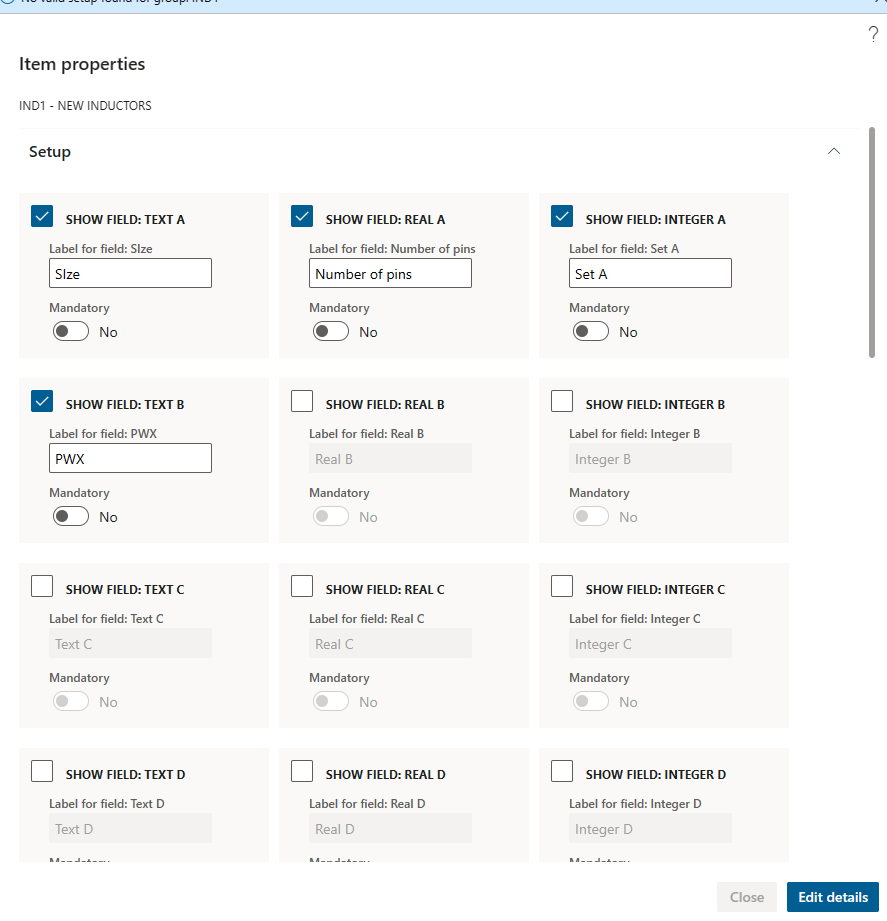
When finished, select "Edit details" to save
You will noe be able to view the selctable propierties for the new Property group.
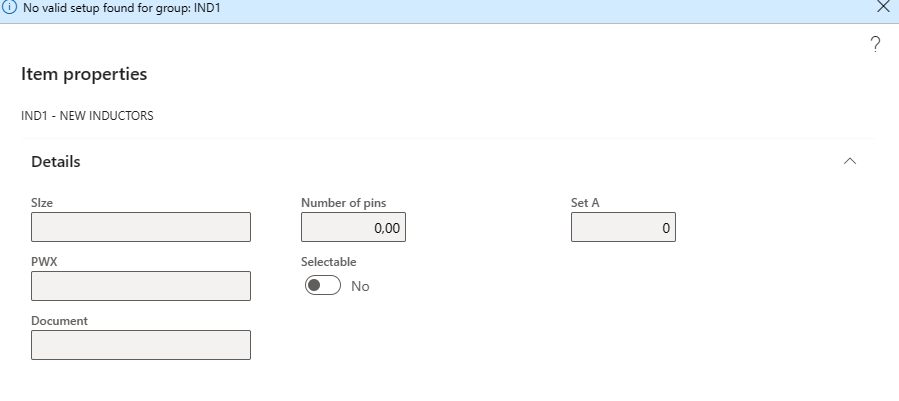
To connect
