Create batch job for currency import
 Updated
by Frank Pedersen Moe
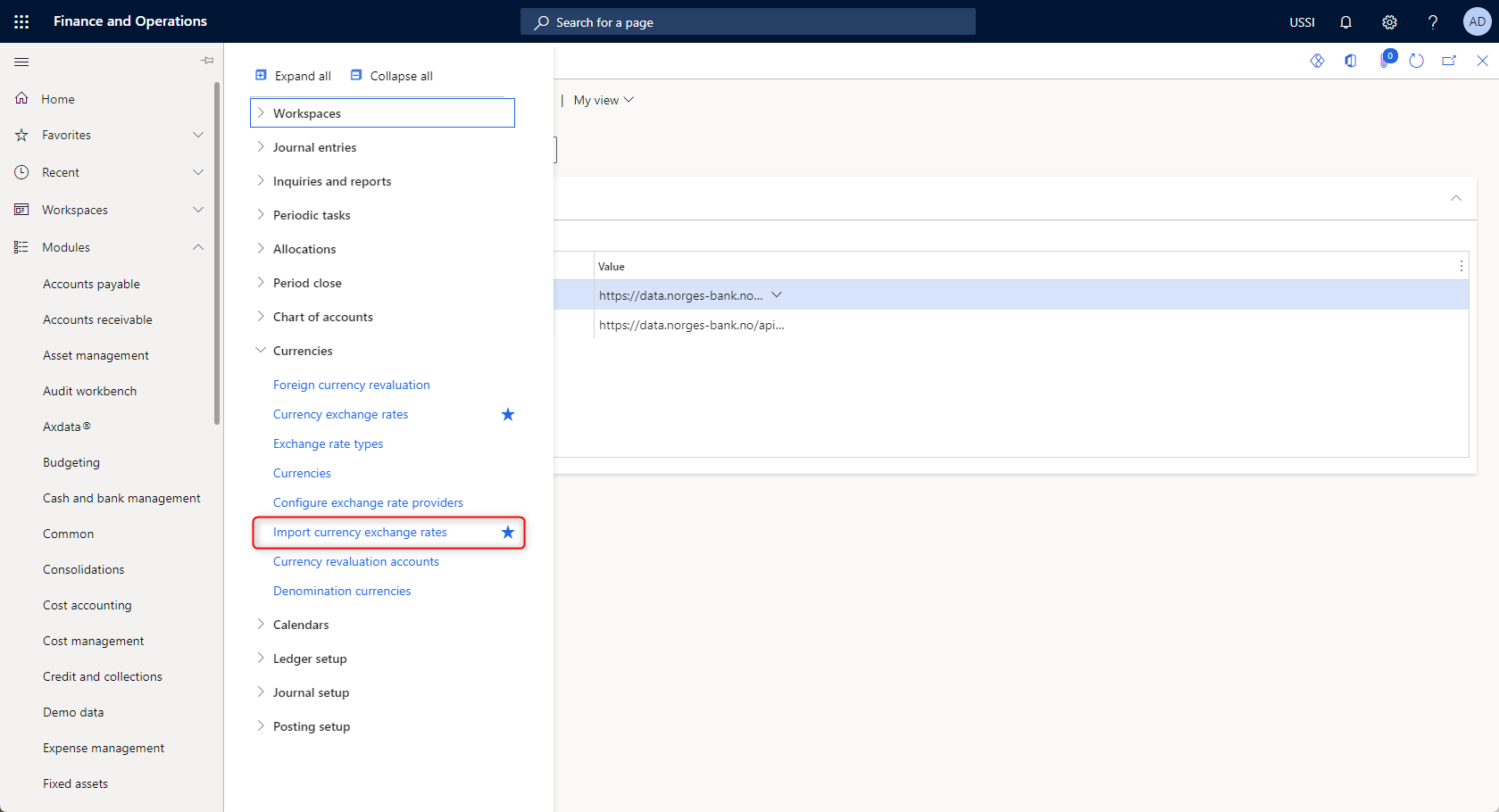
In order to use the import from the provider we need to activate the batch job. Click on the Import currency exchange rates link.
General ledger > Currencies > Import currency exchange rates
The job can be run at once or by batch.
Just remember that todays rates are not available from Norges Bank before 16:00, to make sure you get valid rates we suggest that you schedule the job to run after 18:00
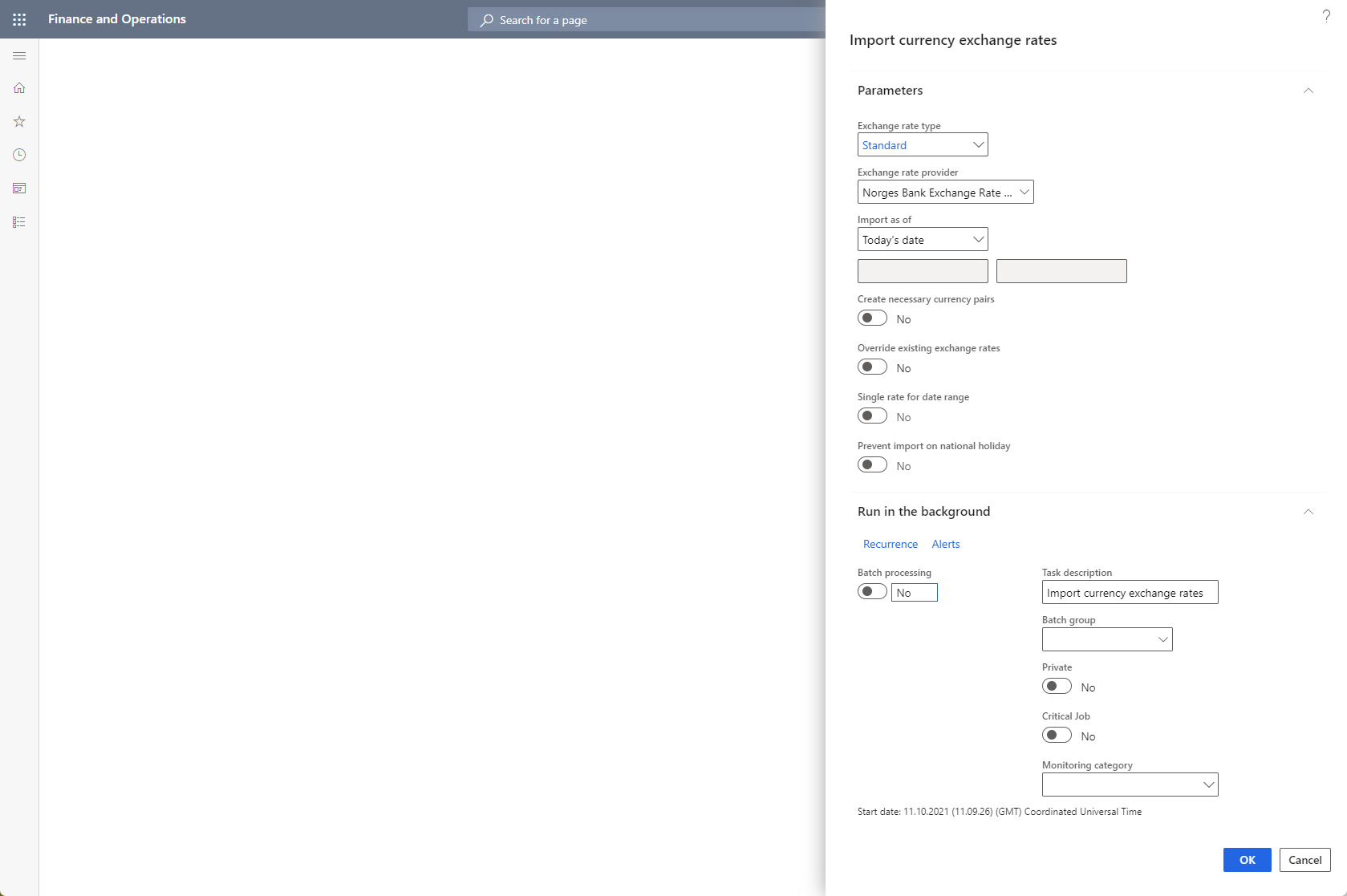
If triangulation is enabled for that exchange rate type it will also populate the triangulation pairs exchange rates
